
The forum snippet that almost works
Copied from a 2021 thread, uses syntax that changed twice since, fails silently.
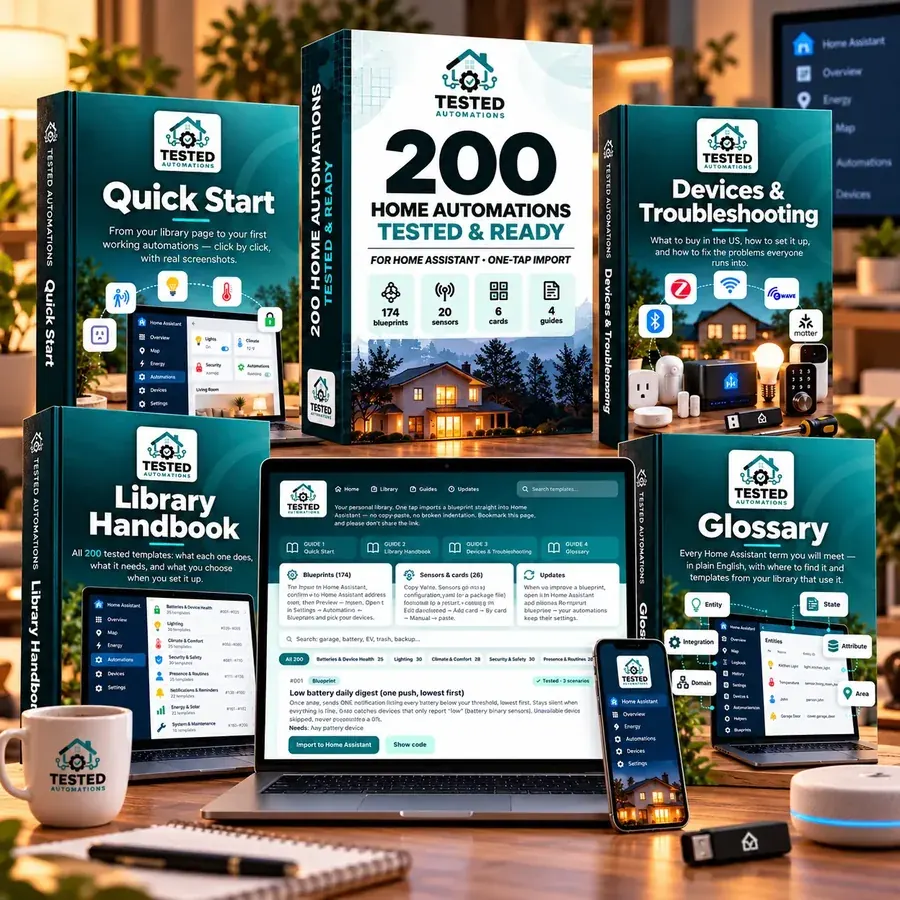
Import automations that have already been tested for you. 200 ready-to-configure automations, tested across 469 real-world scenarios and maintained as Home Assistant changes.
One payment · Free updates · 30-day it-works guarantee
Three of the 2,933 reviews the library has collected.
My wife used to hate my Home Assistant “improvements.” Something would stop working, a light would come on at 2 AM, and I’d hear: “What did you change now?” I replaced a few of my homemade automations with these and honestly, the biggest compliment is that she stopped noticing Home Assistant altogether. Everything just works in the background now. That’s exactly what I wanted.
 Chris M.
Got a notification that the garage freezer had been left open. I almost ignored it. Went downstairs anyway and sure enough, the door was cracked open with probably $300 worth of food inside. Closed it in time. I originally bought this kit to save myself hours messing with automations. Didn’t expect one of them to potentially pay for the whole thing.
 David R.
I’m not new to Home Assistant. I can write YAML and build my own automations. That was never the problem. The problem is that I have a job, kids, and better things to do on a Saturday than spend two hours debugging why a motion sensor didn’t trigger a light. Now I check the library first. If someone’s already built and tested what I need, why start from zero?
 Mark T.
Copied from a 2021 thread, uses syntax that changed twice since, fails silently.
Looks right. Imports fine. Never fires when it should — and nothing tells you why.
Motion lights that fight the wall switch, battery alerts that say 'all good' while a lock dies.
The fix isn't more templates. It's templates someone actually tested.
Find → compare → modify → test → debug → maintain
Prompt → paste → test → debug → maintain
Import → choose devices → use
Yes, you can find automations for free. You're paying to skip everything in the first two columns.
TEST REPORT · LATEST HOME ASSISTANT RELEASE
Each template runs inside a real Home Assistant with simulated US devices. We move the clock to the moments that matter — sunset, 2 AM, trash night, a door left open for 10 minutes — and check that it does the right thing, and stays quiet when it should.
Also fixed before release: a guest-mode blueprint that wouldn't import because of a comma in a field name, and a security log that didn't recognize actions done by automations.
Every template shows how many scenarios it passed. Nothing ships until all of them pass.
Your partner doesn't care about Zigbee. They care that the lights work and the house doesn't behave strangely.
Flip the wall switch and the automation respects it.
The house behaves normally when someone else is home.
Alerts only when something actually matters.
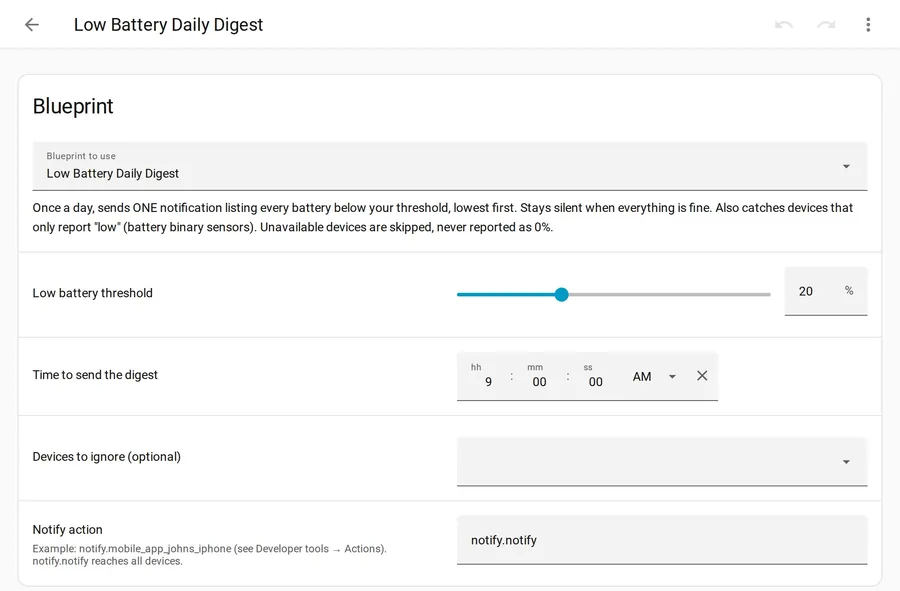
Tap Import to Home Assistant, pick your lights, sensors and phone from drop-downs, save. Works on any install.
Low batteries count, anyone home, US holiday / school day, bill estimate on your real billing cycle, and more.
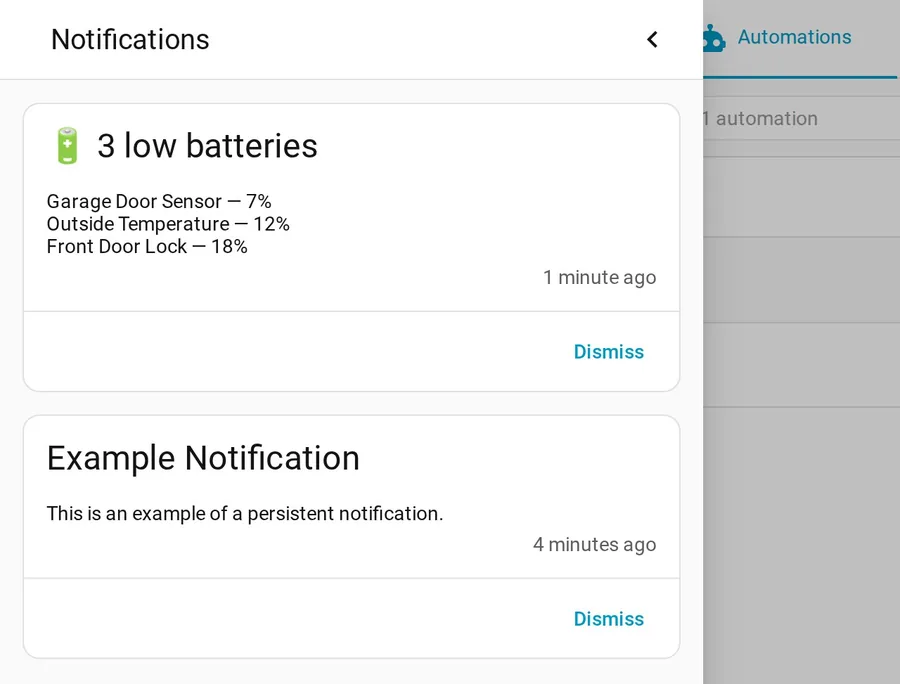
Battery levels sorted lowest first, device health, where is everyone, energy by room.
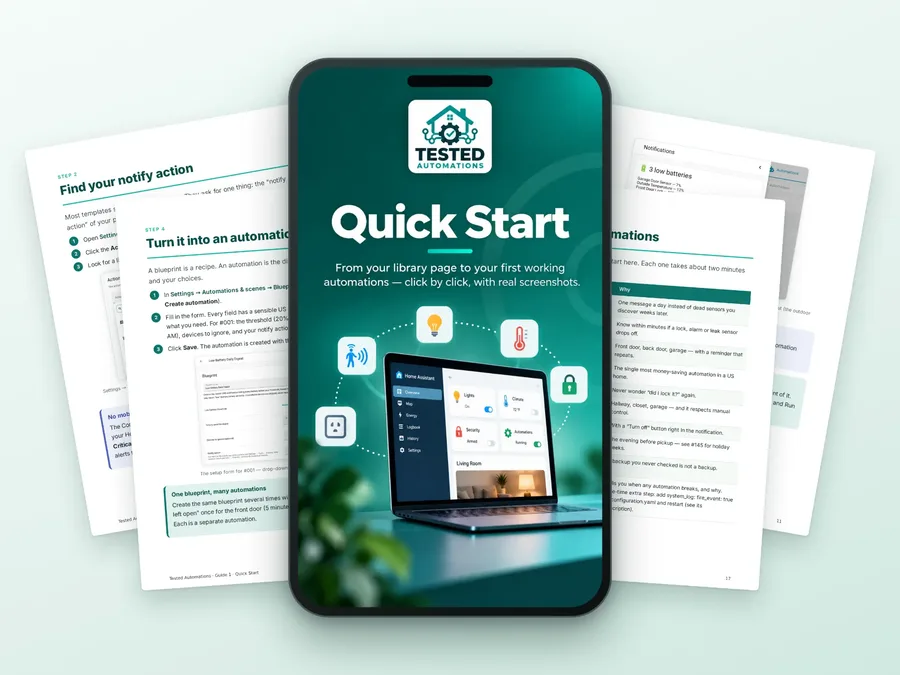
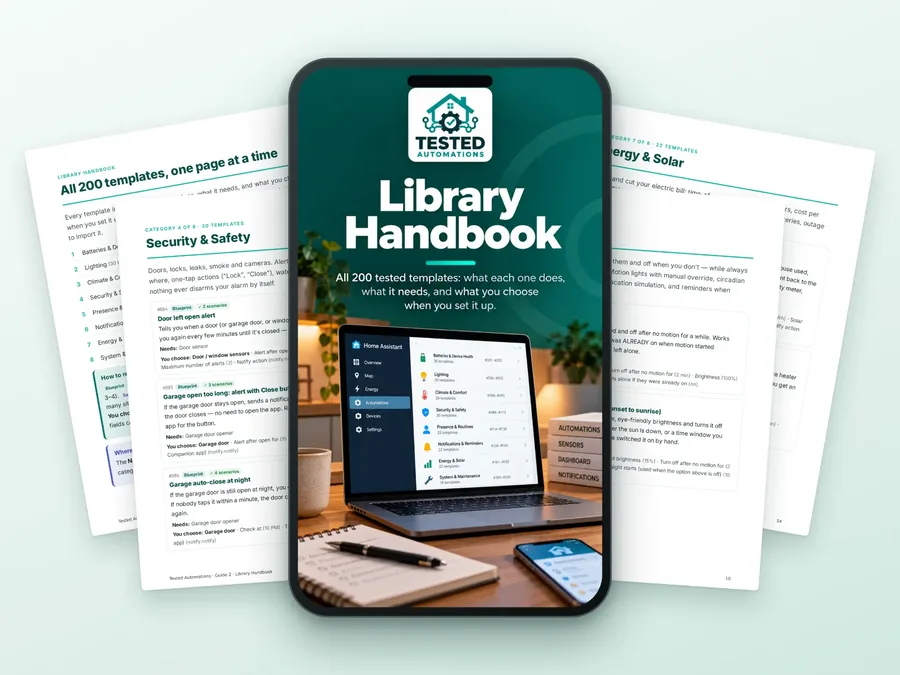
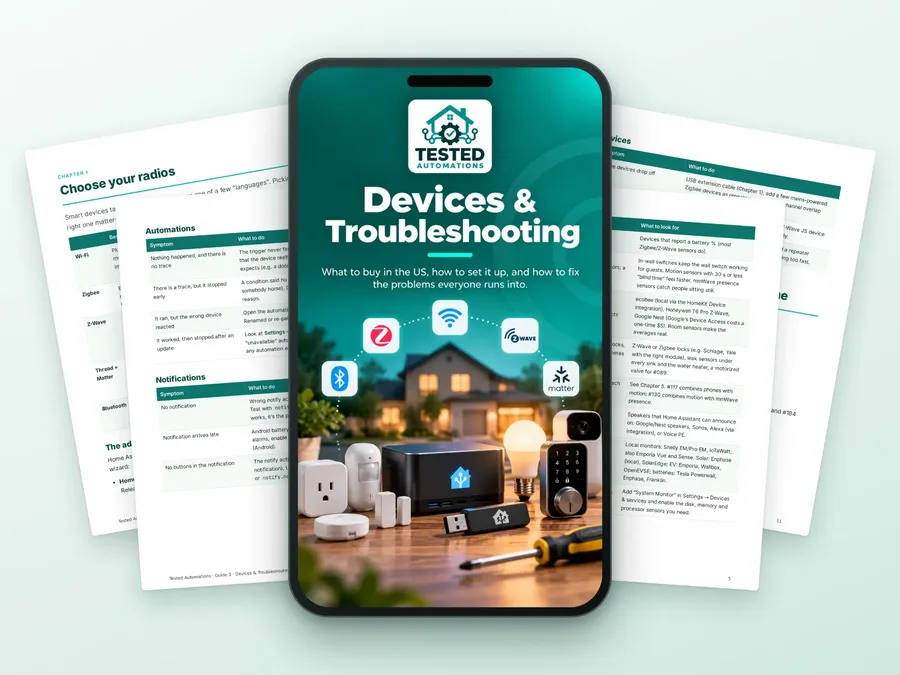

Real screenshots from the current Home Assistant — not stock photos, not AI illustrations.
INCLUDED FREE · 5 BONUSES
Printable guides that turn 200 templates into a plan. Included at no extra cost.
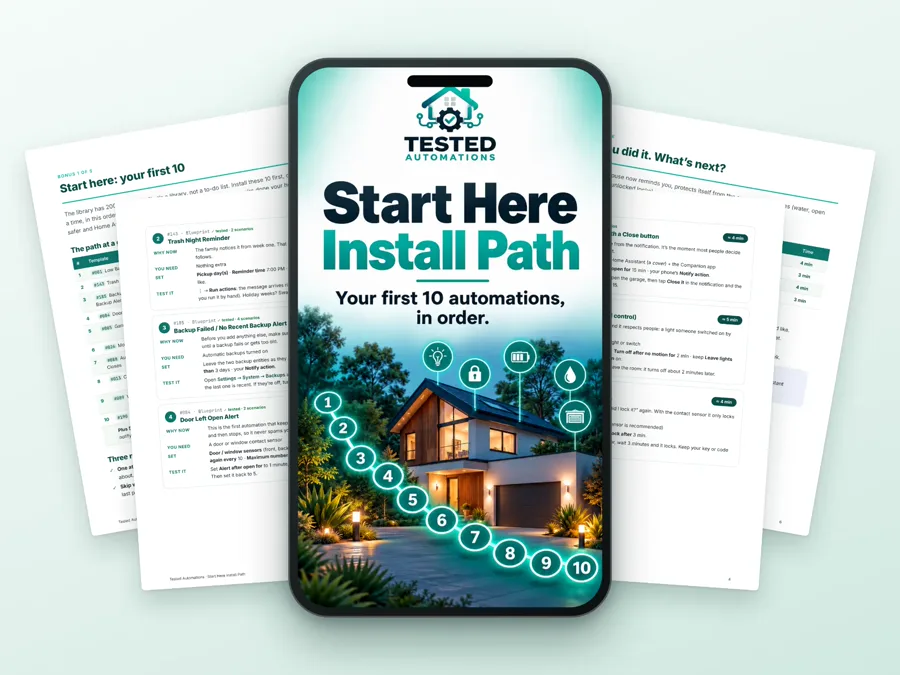
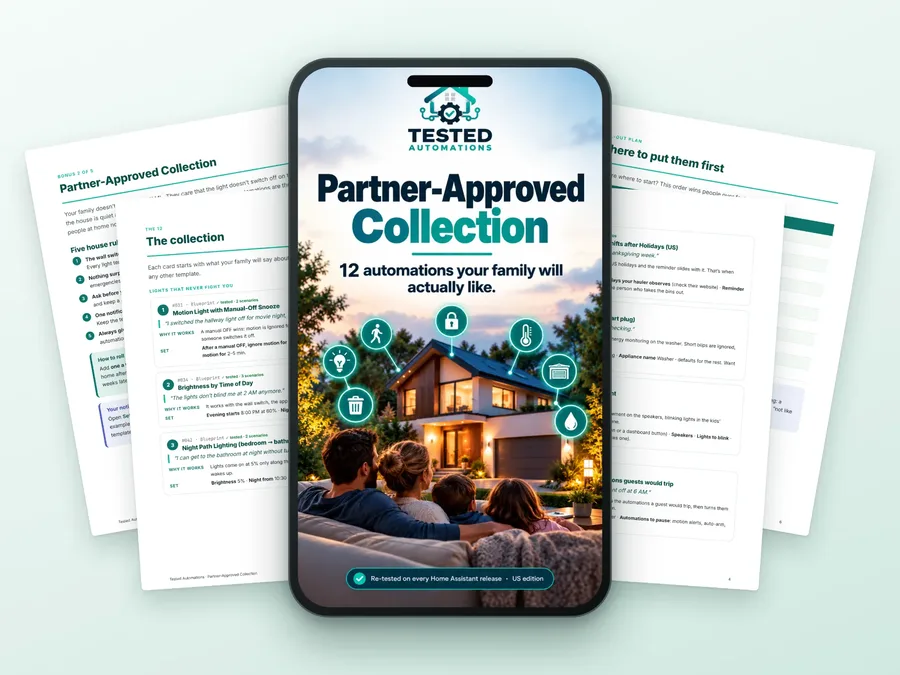
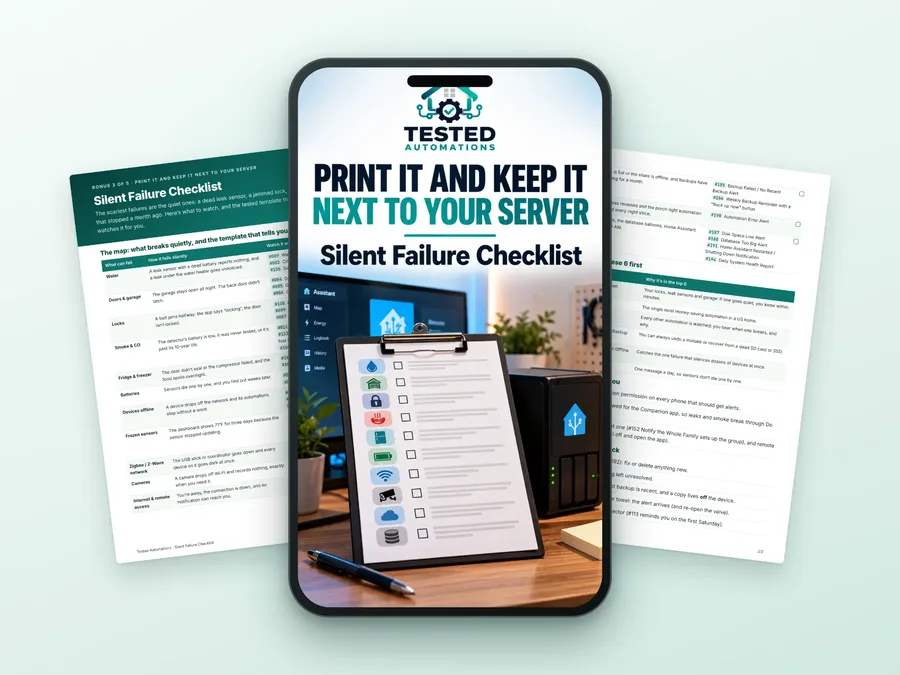
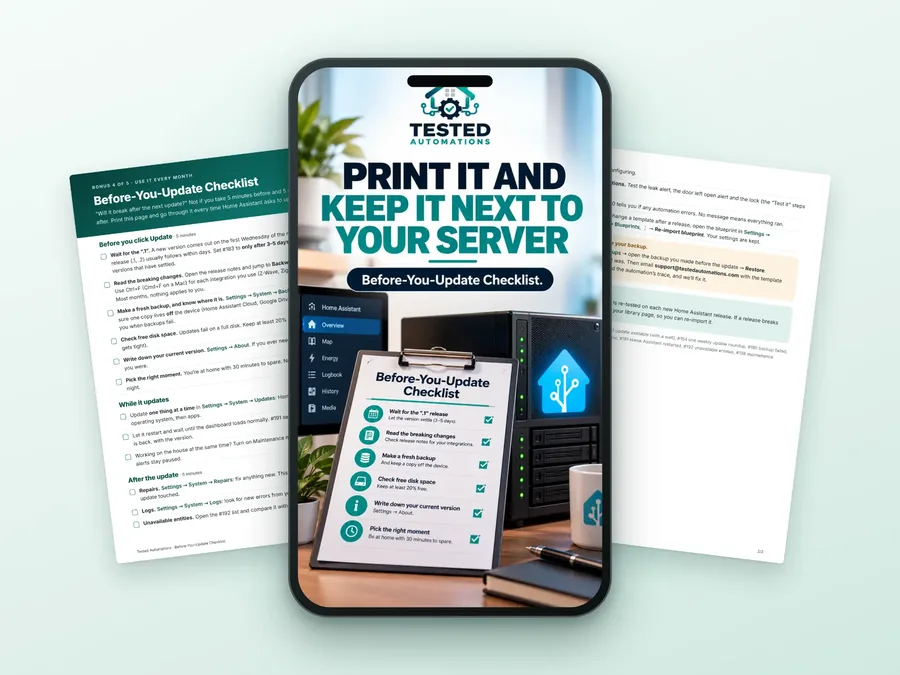
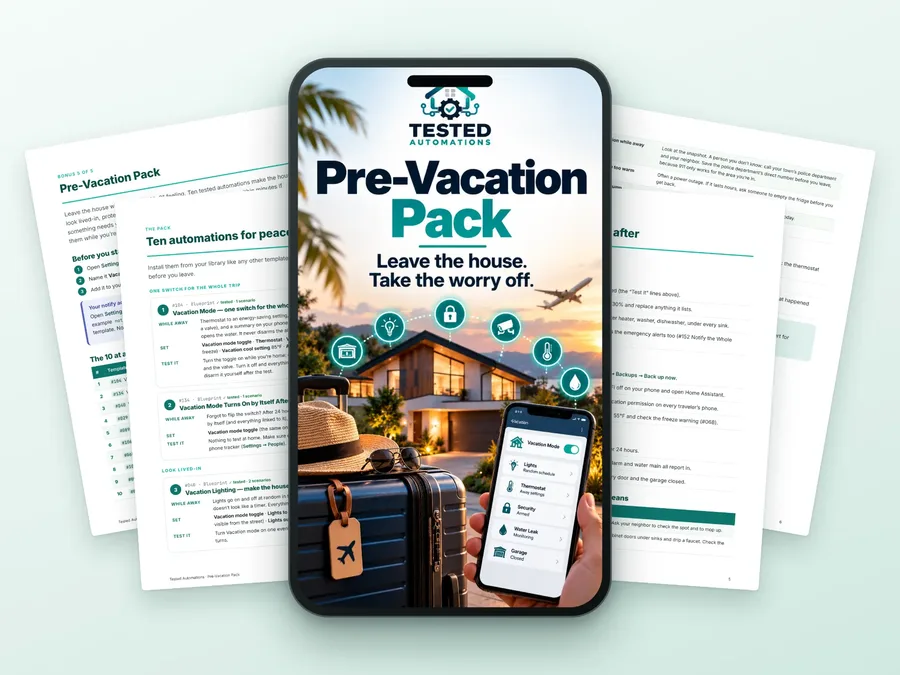
Total value $71 — included free with the library.

One payment · Free updates · 30-day it-works guarantee
Free code from forums, AI chatbots and other template packs — compared.
| Capability | Forum snippets | AI-generated YAML | Typical template packs | Tested Automations |
|---|---|---|---|---|
| Tested in a real Home Assistant before release | ✗ | ✗ | ✗ | ✓ 469 scenarios |
| Works on the latest Home Assistant | sometimes | sometimes | sometimes | ✓ |
| One-tap import, set up with drop-downs | sometimes | ✗ | ✗ | ✓ |
| Says exactly which device each template needs | ✗ | ✗ | ✗ | ✓ |
| US defaults (°F, holidays, utilities) | ✗ | sometimes | ✗ | ✓ |
| Updates when Home Assistant changes | ✗ | ✗ | sometimes | ✓ |
| Step-by-step guides with real screenshots | ✗ | ✗ | sometimes | ✓ |
Secure checkout. Instant email with your Start Here page and a full ZIP backup.
Search, filter by room or category, tap Import. Bookmark it — updates appear there.
The Quick Start guide walks you click by click, with screenshots.
RATED 4.9 OUT OF 5
What Home Assistant owners say after importing the library. 30 of 2,933 reviews shown here.
I know just enough YAML to break things. This is safer. 😂
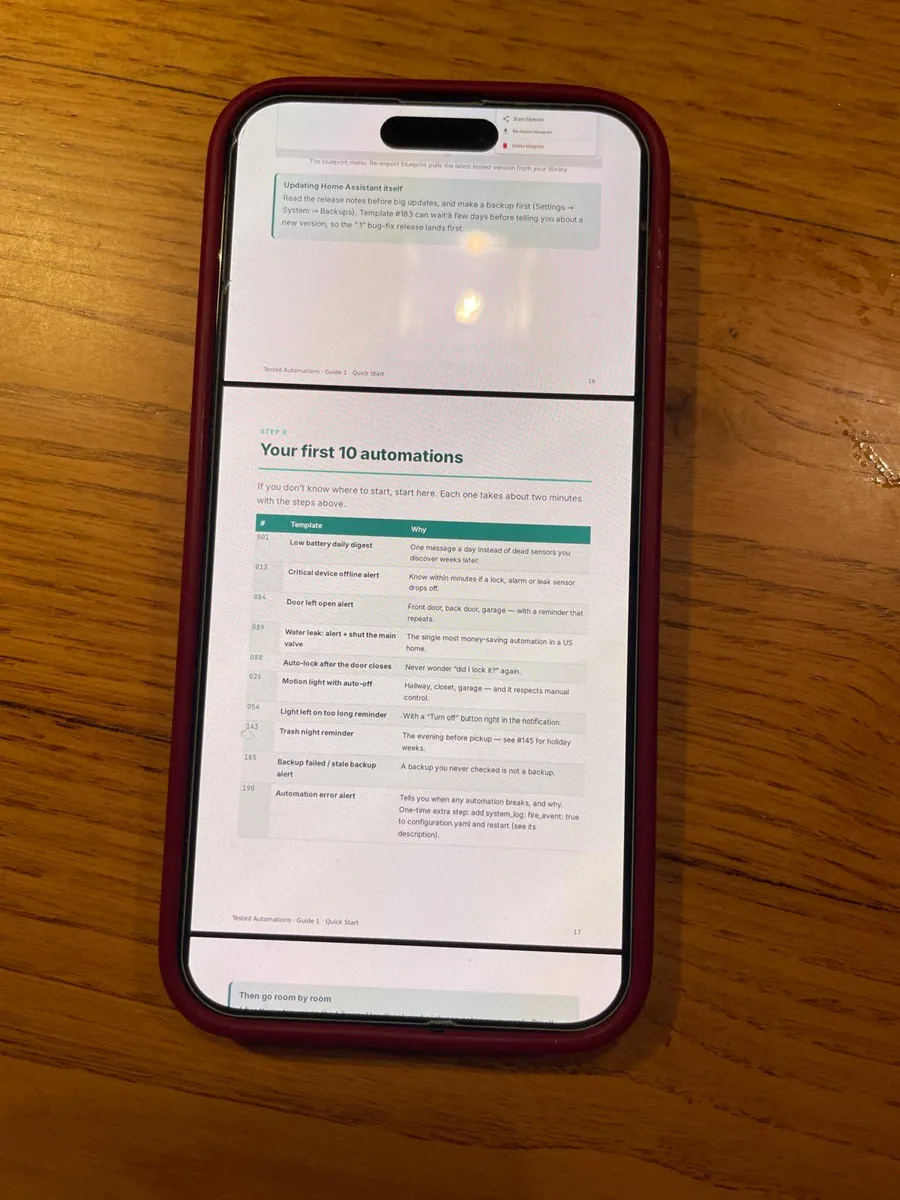
I’m 58. Not a programmer. I kept seeing people say Home Assistant was “easy once you learn YAML.” Maybe for them. The Quick Start guide plus the ready-made automations finally made HA feel like something I could actually use instead of another hobby I needed to study.
My wife couldn’t care less about Home Assistant. Zigbee? Nope. Blueprints? Nope. Automations? Nope. She cares that the porch light comes on when she gets home and that she doesn’t have to open an app. That’s it. Since I started using these, Home Assistant has become much more invisible in our house. Which is exactly how it should be.
Vacation mode is what got me. We left for four days and for once I wasn’t sitting in the passenger seat wondering: Did I leave something on? Is the garage closed? Are all the windows shut? Small thing maybe, but it made the smart home actually feel… smart.
The best smart home automation is the one nobody notices. Lights come on. Lights go off. Doors get checked. You get notified when something actually matters. Nobody in the house asks what happened. That’s what I wanted.
My wife has one rule about my Home Assistant projects: if she has to ask me how to use it, I’ve made it too complicated. I replaced a few of my old automations with ones from this library about a month ago. Yesterday she actually said, “Whatever you changed with the hallway lights… leave it.” I’m counting that as a 5-star review 😂
GARBAGE NIGHT. Seriously. I have forgotten the bins more times than I’d like to admit. Now I get reminded automatically and my wife no longer has to text me from upstairs: “TRASH.” Worth it for that alone.
Been running Home Assistant since 2021. Can I write my own automations? Yep. Do I want to spend Sunday afternoon figuring out why the bathroom fan refuses to turn off? Nope. That’s basically why I bought this.
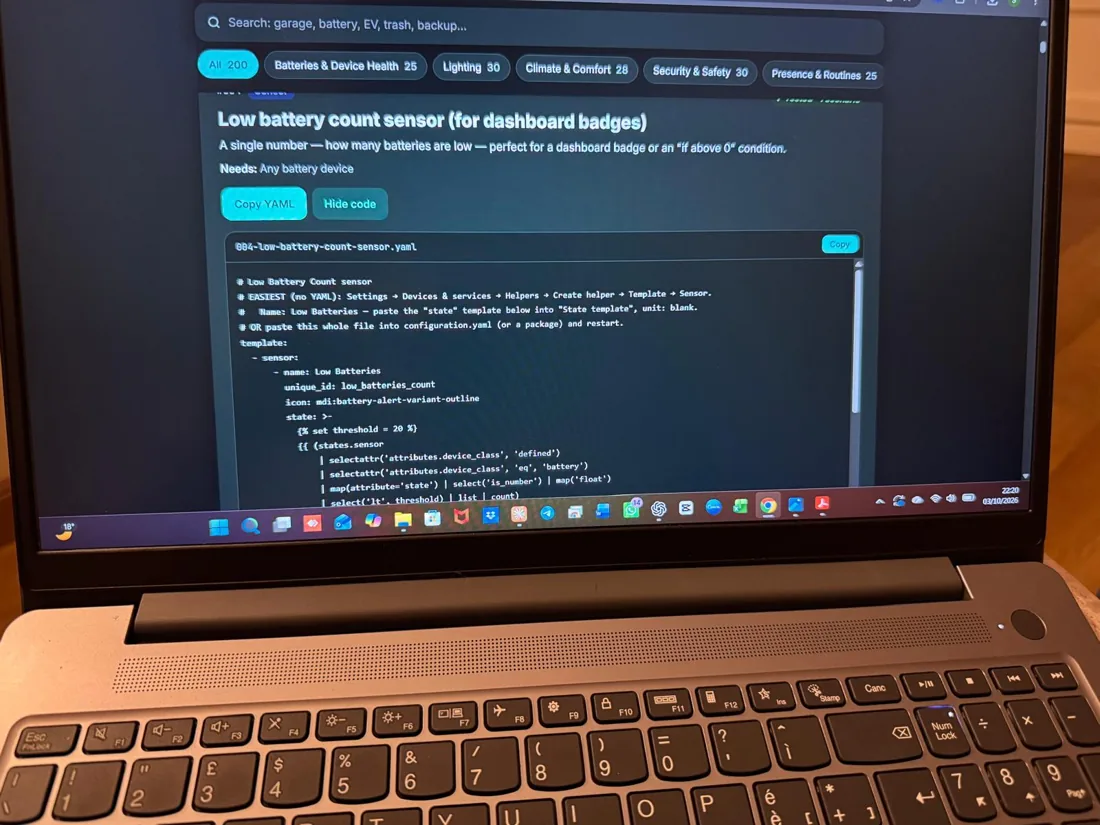
My favorite automation so far isn’t even one of the fancy ones. Low battery notifications. I have sensors EVERYWHERE and before this I’d only discover a dead battery when something stopped working. Now I actually know which ones are getting low before they die. Simple thing. Huge improvement.
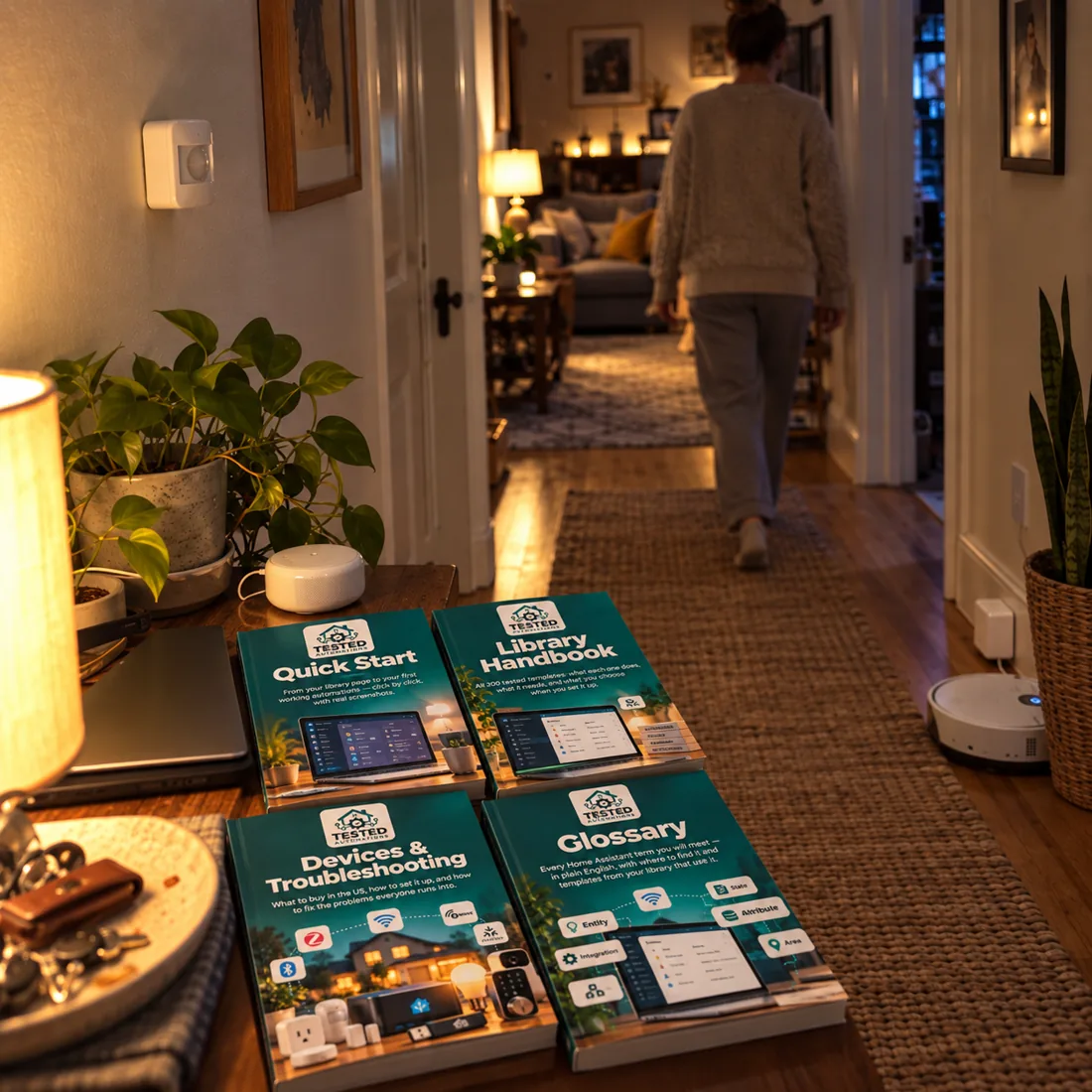
I bought this expecting a big folder of YAML files. Thankfully, that’s not what it is. Opened the library, found what I wanted, followed the setup and had the first one running that evening. Much more polished than I expected.
The garage door. THAT DAMN GARAGE DOOR. Twice I woke up in the morning and realized we had left it open all night. Not anymore. Honestly that was the first automation I went looking for after buying this.
Funny story… I bought this because I wanted more automations. My 12-year-old daughter has now basically taken ownership of our dashboard. She checks her bedroom window, turns off downstairs lights from her tablet and thinks all of this is completely normal. Meanwhile I’m thinking about how my “smart home hobby” somehow became part of her daily routine.
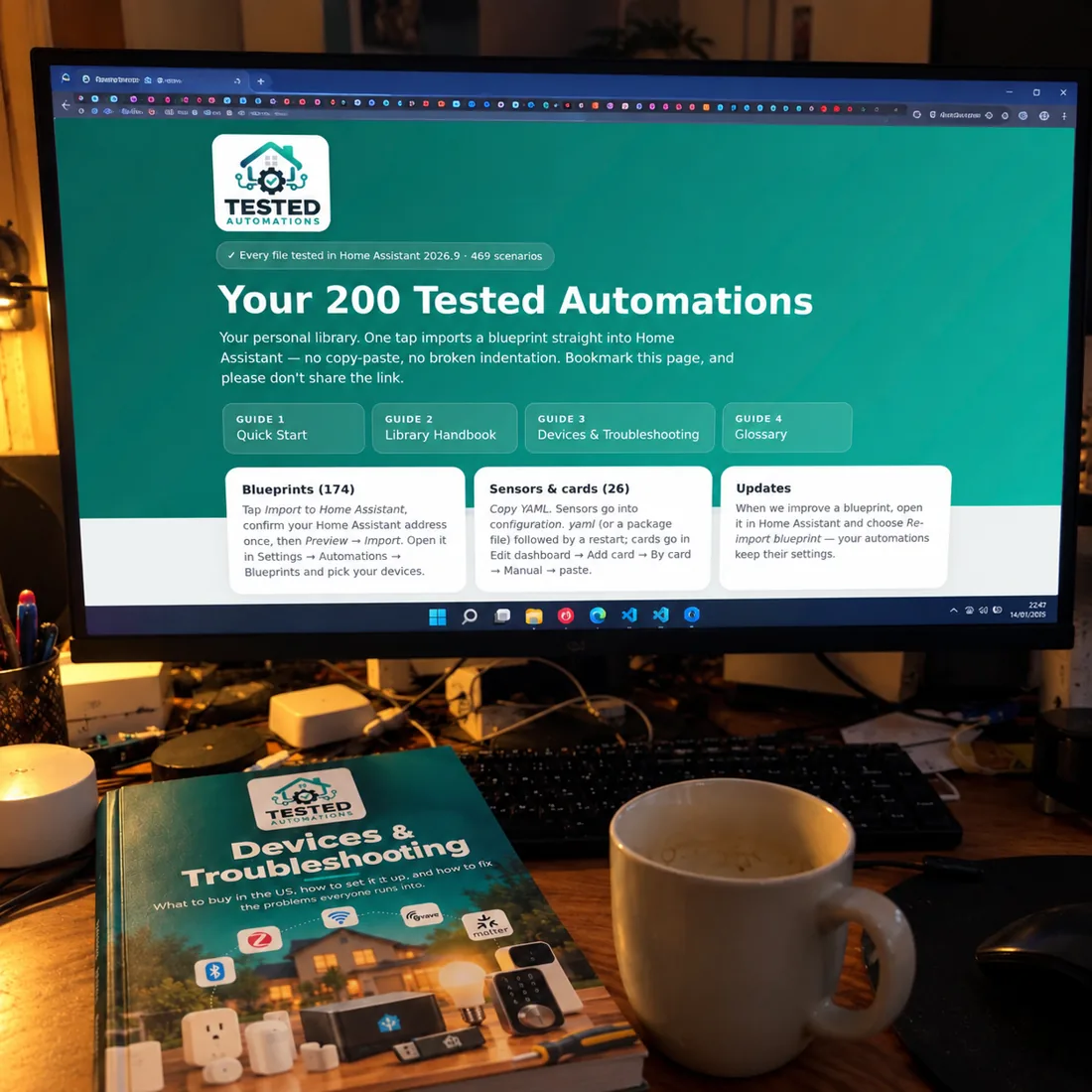
Installed 2 automations. Then 3 more. Then spent the next hour going through the library saying “oh…I could use that.” Dangerous purchase if you were planning on going to bed early.
My freezer door wasn’t completely closed. Got an alert. Went downstairs and caught it before everything inside thawed. There’s probably $200+ worth of food in that freezer. So yeah… I’m happy with the purchase.
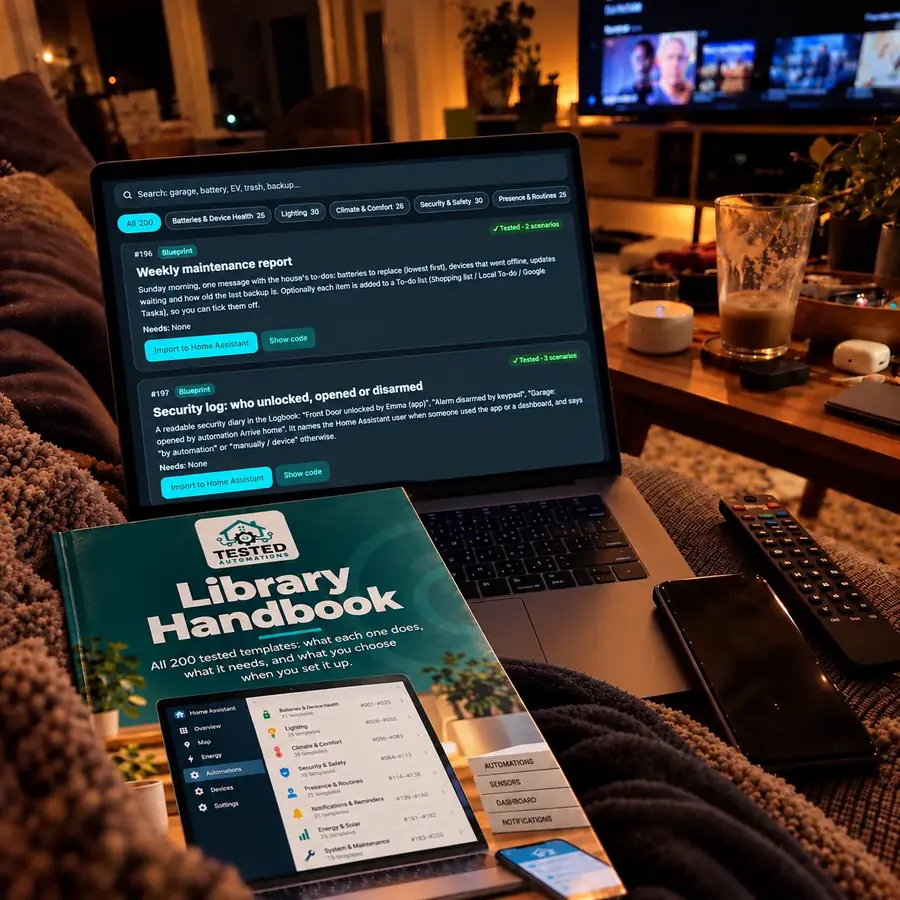
There are free blueprints everywhere. I know. I’ve downloaded plenty of them. And I’ve also spent plenty of evenings reading a 3-year-old forum thread trying to figure out why someone’s blueprint doesn’t behave the same way on my setup. I paid for this because I wanted the boring part done for me. So far, that’s exactly what it has been.
Wife Acceptance Factor went up significantly. Home Assistant people will understand why that deserves five stars.
Used ChatGPT to make one of my automations before this. It looked perfect. Until it wasn’t. Then I spent longer debugging the thing than I would’ve spent writing it myself. I’d rather start with something that’s already been tested and tweak it from there.
One of my motion sensors started triggering at 2–3am. Turns out it was the cat. Changed the conditions, problem solved. My cat is apparently now part of my Home Assistant testing team.
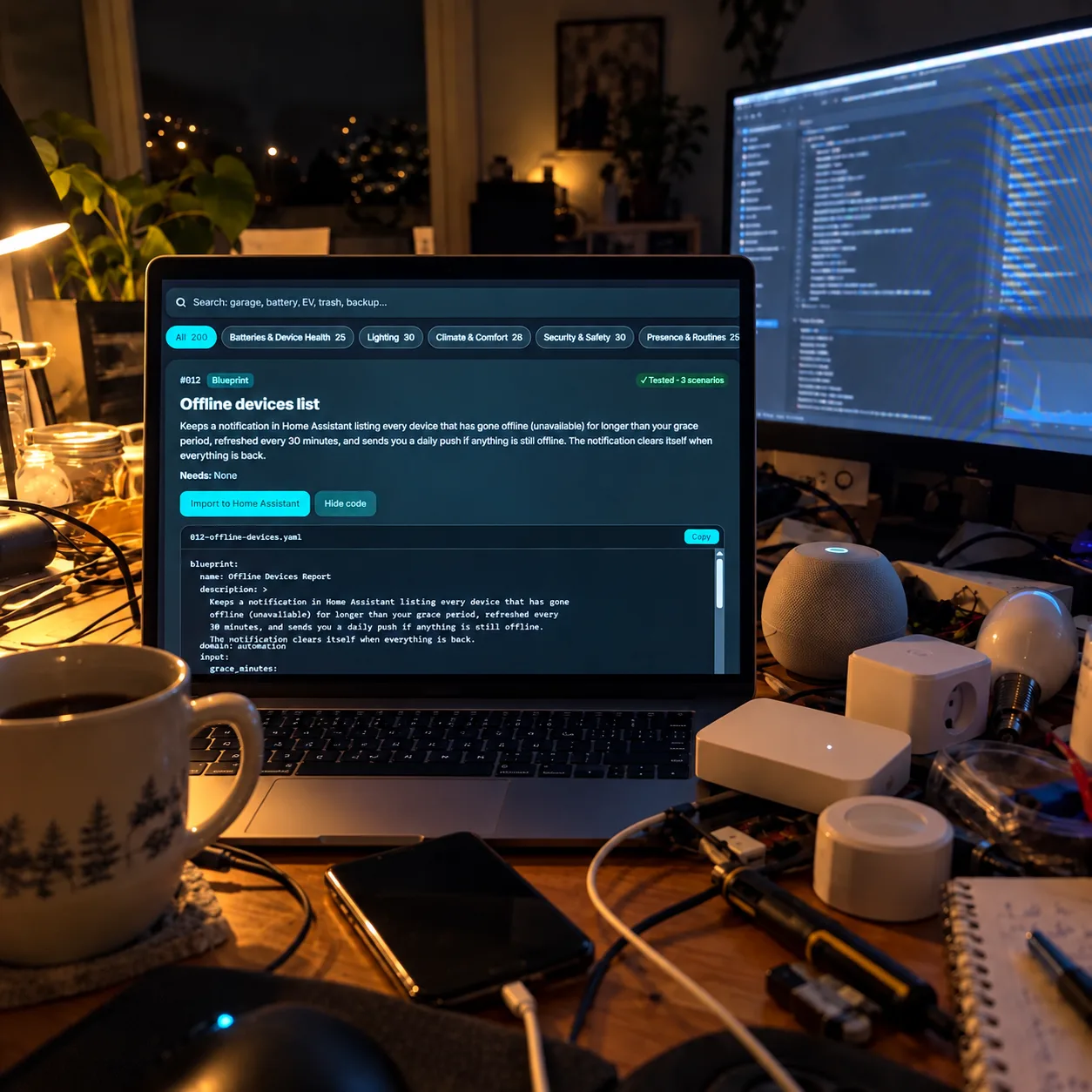
Not every automation in here is useful for me. And honestly I think that’s expected with 200 of them. But within the first 20 minutes I bookmarked 11. I’ve installed 6 so far. For the price, I’m good with that.
I used to have three separate automations controlling our hallway lights because I kept patching problems instead of fixing the original setup. One for daytime. One for nighttime. One weird workaround I don’t even remember creating. Deleted all three. Started over with the library. Should’ve done that months ago.
My wife: “Why is the light turning on?” Me: “Motion sensor.” Her: “There’s nobody there.” Me: … That was basically my old setup. The new one has been running for three weeks and she hasn’t complained once. Silence is success.
Bought Friday night. Saturday morning: coffee + Home Assistant. Saturday afternoon: 8 new automations. Sunday: promised myself I wasn’t touching Home Assistant again. Sunday night: added another one. 10/10 would lose a weekend again.
For me it wasn’t about not knowing HOW to build automations. It was about time. I have a job, two kids and about 47 unfinished projects around the house. I don’t need Home Assistant to become project #48. Pick a blueprint → configure → move on. That’s the value.
NO SUBSCRIPTION. Thank you. Apparently that’s unusual enough in 2026 that it deserves its own review.
I almost didn’t buy because I figured, “I can find all of this online.” And technically, you probably can. But after spending 45 minutes one night comparing four different versions of basically the same automation, I changed my mind. I’m paying for organization and saved time more than anything else.
My Home Assistant setup has existed for 3 years. It has also been “almost finished” for 3 years. This library finally got me to knock out a bunch of the little automations that had been sitting on my list forever.
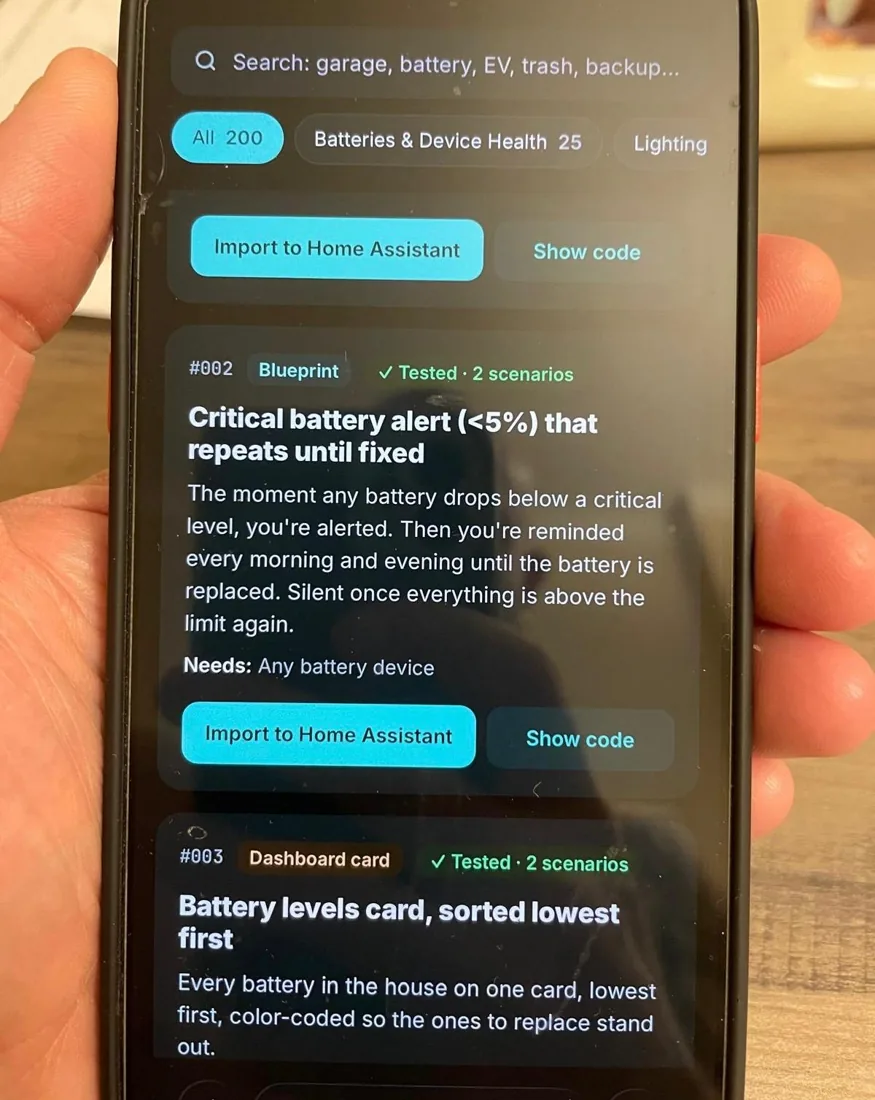
The notification stuff is excellent. Before, my phone would tell me EVERYTHING. Door opened. Door closed. Motion. No motion. Battery. Another battery. Eventually you just ignore all of it. I’ve cleaned that up a lot using ideas from here. Now when HA sends me something, it’s usually something I actually need to know.
My favorite part? I didn’t watch a 37-minute YouTube video. I didn’t read 84 Reddit comments. I didn’t paste YAML into an editor and pray. I just set it up. Beautiful.
3:14 AM. Phone buzzes. Water sensor under the kitchen sink. I go downstairs expecting another false alarm. Nope. Small leak from the connection under the sink. Caught it before it became a morning disaster. That notification changed how I look at my whole smart home setup. Lights are fun. That one actually mattered.
My dad came over last weekend. He’s 71 and thinks my smart home is ridiculous. Walked into the guest room, lights came on automatically. Walked out, they shut off later. He goes: “Okay. That one’s actually useful.” Highest praise my Home Assistant setup has ever received.
Swipe to browseSwipe or use the arrows · 30 of 2,933 reviews shown
MEET THE CREATOR
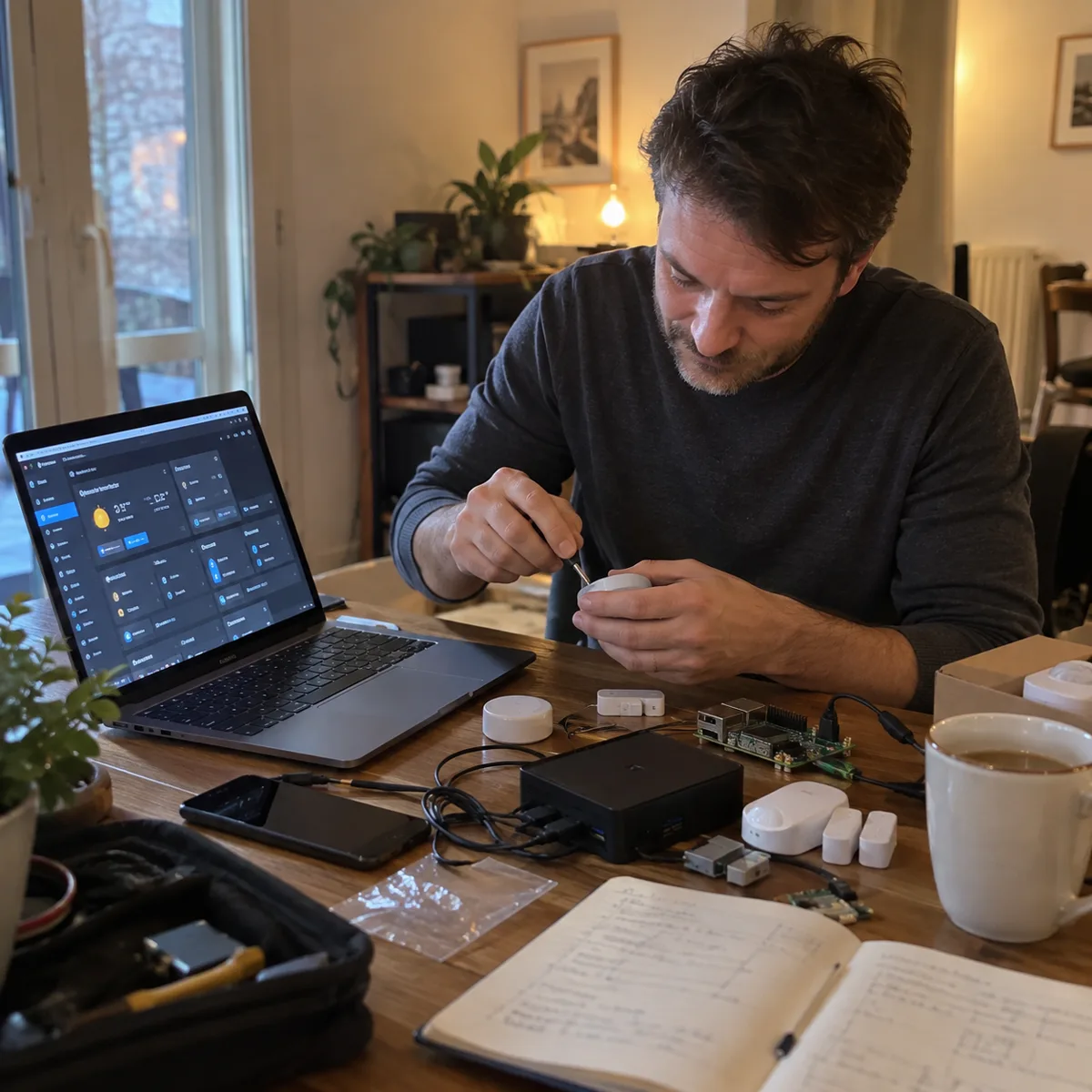
I used to lose whole evenings on automations that should've been simple. A quick idea turned into forum threads, copied snippets, AI-generated YAML that looked perfect, and still nothing fired.
So I stopped trusting anything I hadn't run myself.
I kept the automations that worked, simplified them, and put every one through real-life scenarios: the wall switch someone flips by hand, the sensor that dies quietly, trash night after a holiday. 469 scenarios in total. That caught 5 bugs before release, and they're all in the public QA log.
Today I don't start from scratch. I pick a tested automation, choose my devices, and move on. That's what I wanted to give other Home Assistant users.
If one doesn't work on your setup, email me. If I can't fix it, you get your money back.
Less searching. Less troubleshooting. More automating.
ONE PRODUCT · ONE PAYMENT
one-time · no subscription
Free bonuses
30-day it-works guarantee: if a template doesn't work on your Home Assistant and we can't fix it, email us for a full refund.